Built for every kid.
Wonder adapts to how each kid actually learns. Every kind of kid. Every kind of mind.
 Wonder
An adaptive learning app for grades 3 through 8, with real rewards the grown-ups in their life control.

Wonder adapts to how each kid actually learns. Every kind of kid. Every kind of mind.
Kids earn screen time, prizes, and a real sense of achievement that grown-ups control. The wheel spins. The streaks stick. Practice feels like play.
Set goals, tune rewards, see what they're mastering. Wonder does the teaching. You stay in charge.
Real screens from Wonder, from the first tap to the prize.
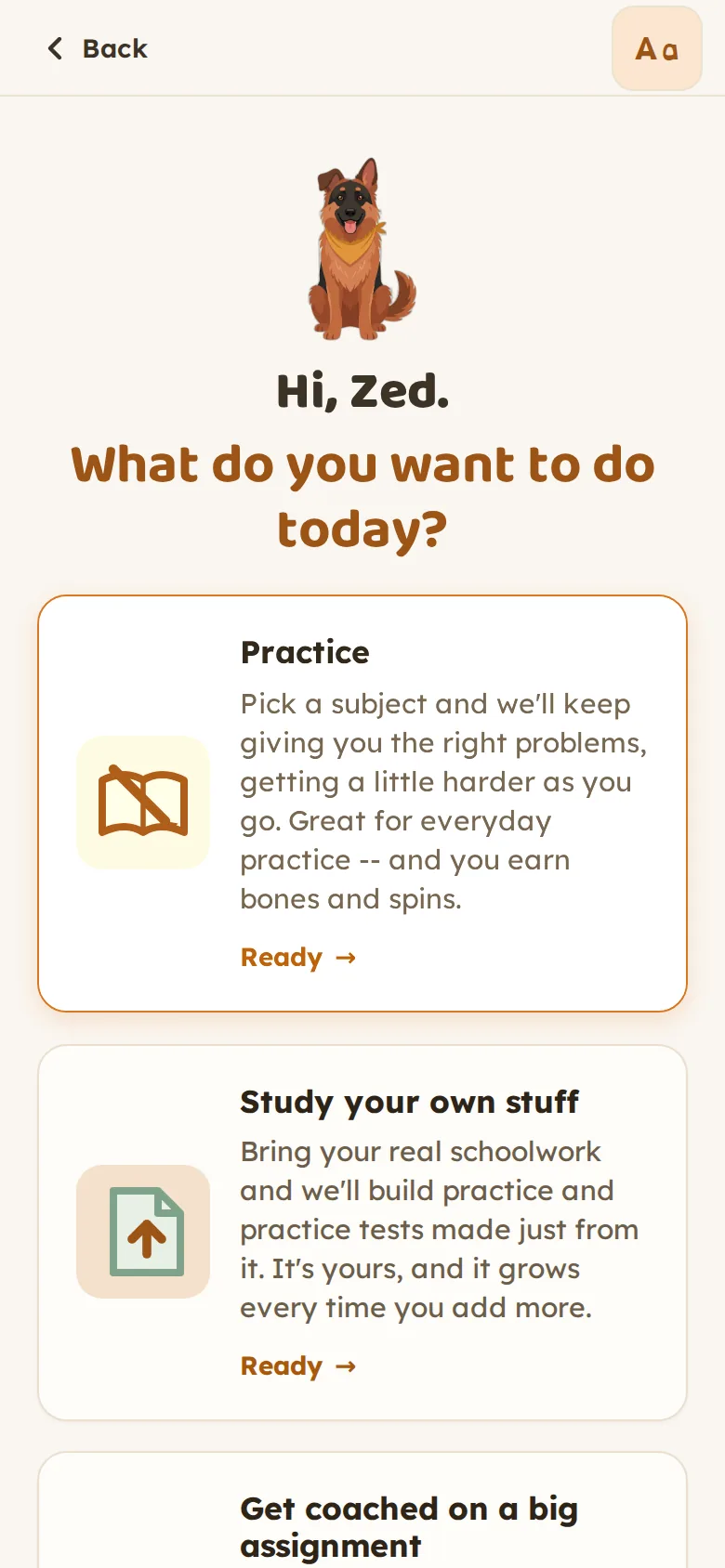
Practice a subject, bring in their own class material, or get coached on an assignment. Three doors, nothing else in the way.
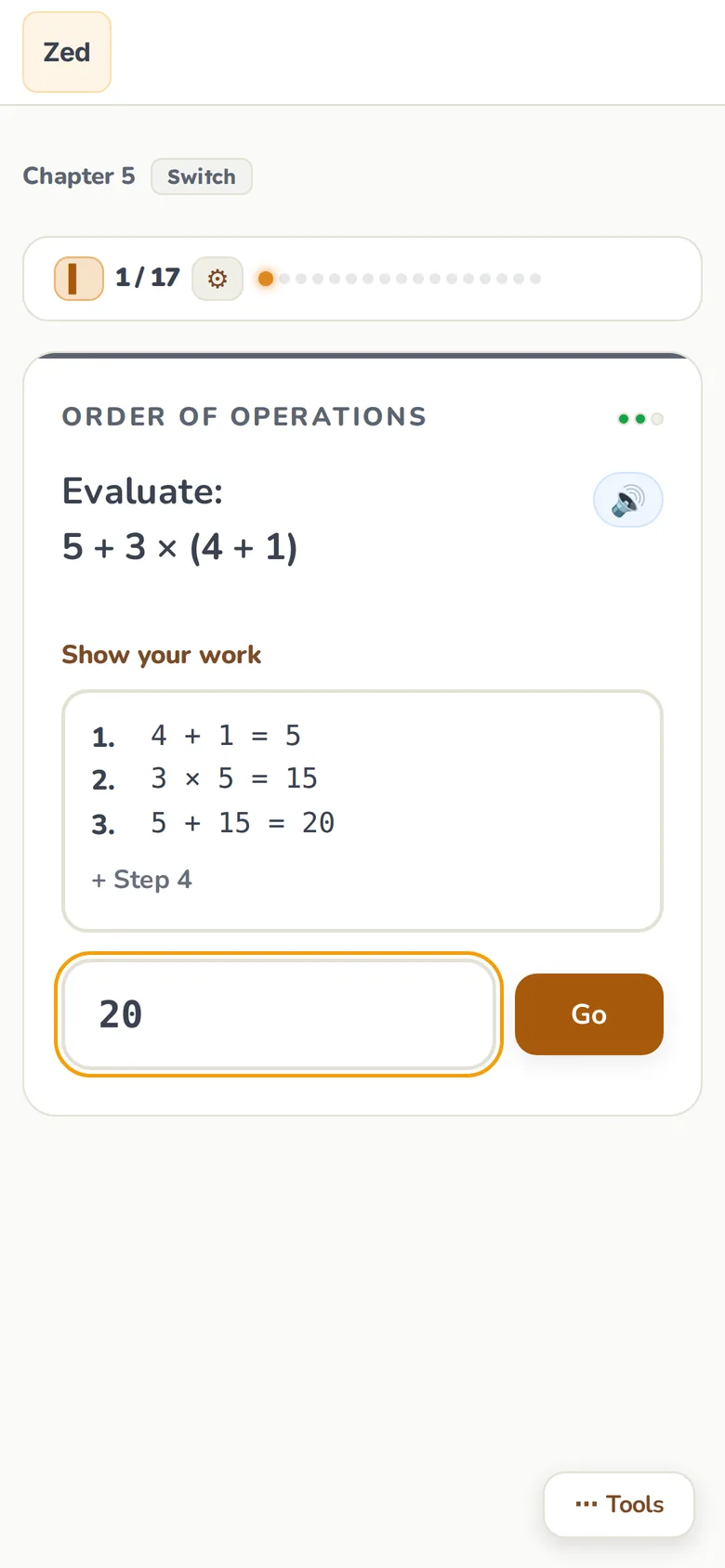
One question at a time, a work box that opens into steps, and the right way shown after each answer. Harder when they are rolling, gentler when they need a moment.
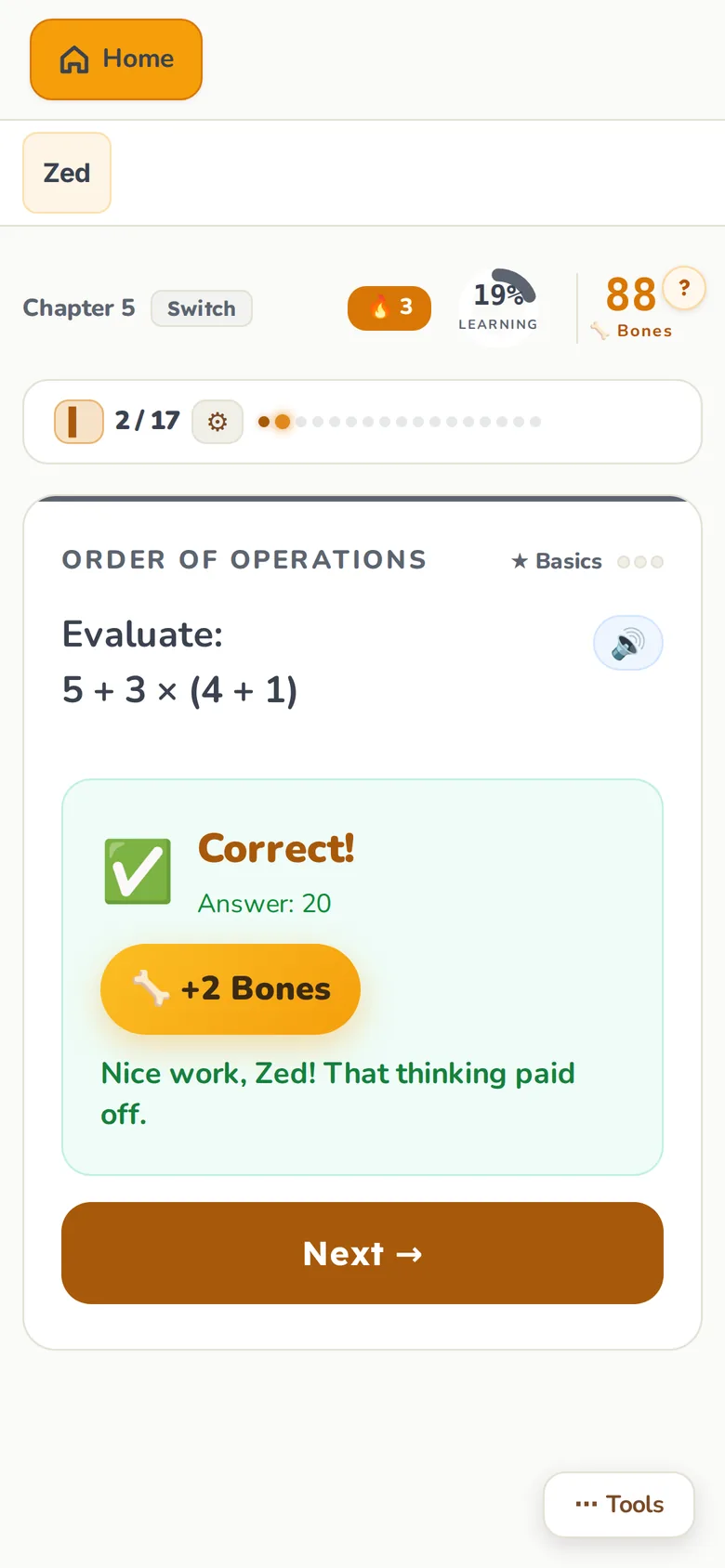
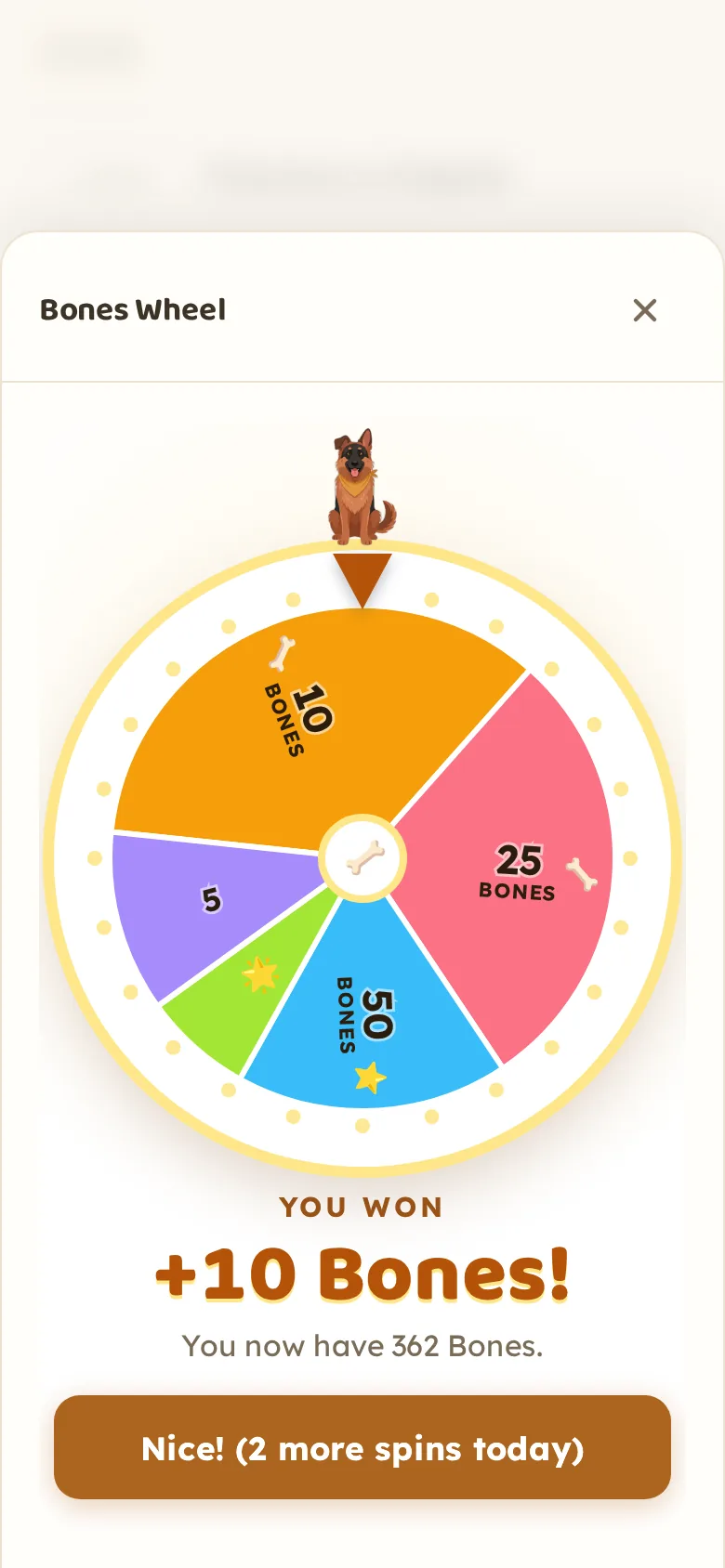
Bones are Wonder's in-app currency. Every right answer adds Bones on the spot, more for harder questions and hot streaks, and every few right answers earns a spin on the wheel.
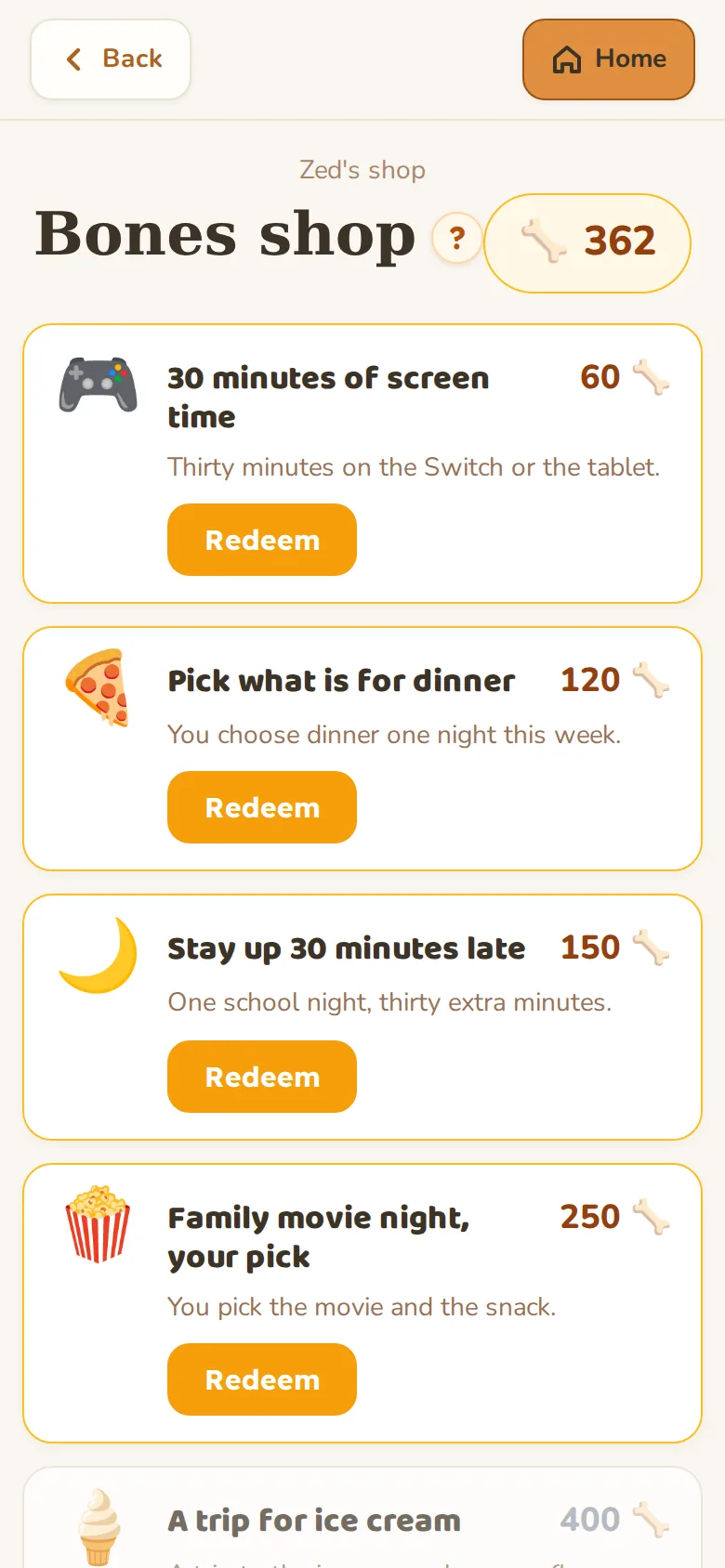
Kids save up and cash in for prizes you set: screen time, picking dinner, a late night, a trip for ice cream. You approve each one.
Kids can jump between them whenever it fits. Adults can set which ones are available.
Practice
Wonder reads how a kid is doing and adjusts on the fly. Harder when they are on a roll, gentler when they need a moment. Kids earn Bones for right answers, with extra for streaks and mastery. Wonder covers math, reading, science, and social studies across grades 3 through 8. The questions stay at the right level of challenge without the kid or the parent having to set anything.
Each session is short enough to fit in a backpack pocket of time. Ten minutes counts. Streaks build from real sessions, so kids see their consistency add up.
Study your own stuff
Got a vocab list? A chapter to read? A test on Friday? A grown-up can drop the kid's own school material into Wonder and it becomes a set of adaptive practice questions tailored to exactly what they are learning in class. No more studying from two different places.
This works for any subject the kid is covering in school, not just the four Wonder tracks. If it is on the test, it can become Wonder practice.
Get coached on an assignment
When a kid has a writing assignment, Klaus sits with them: asks questions to draw out their ideas, helps them figure out what they want to say, and coaches them through putting it into words. Klaus does not do the writing. The thinking is theirs. The sentences are theirs. Klaus helps them get it down and make it stronger.
Wonder does the teaching. The motivation system is yours: what the prizes are, what they cost in Bones, when a cash-in is approved. If a reward stops working, you change it. Nothing is decided for you.
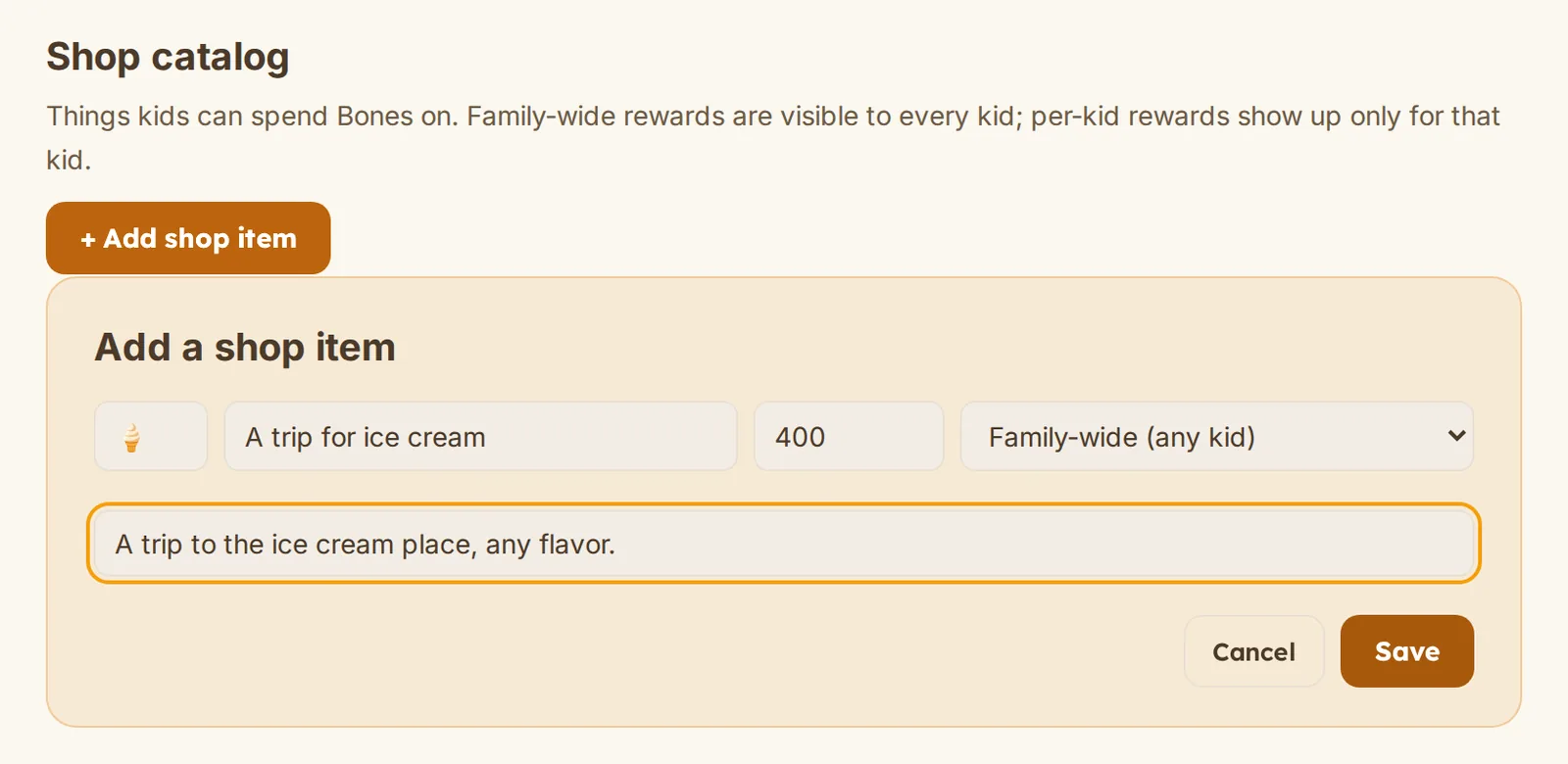
Add what motivates your kid and price it in Bones: screen time, picking dinner, a late night, a trip for ice cream. Family-wide or for one kid. Nothing is on the shelf unless you put it there.
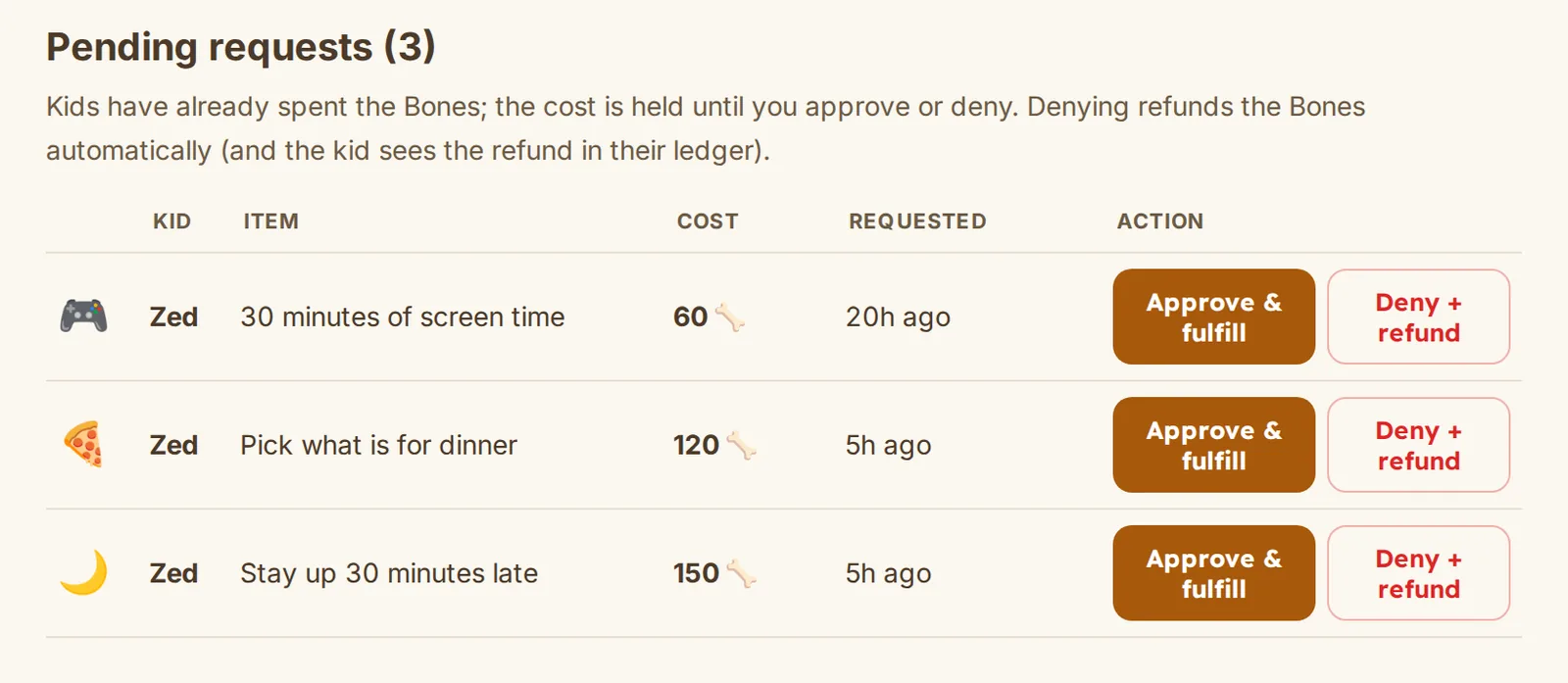
When a kid cashes in, you get an email and the request waits for you here. Approve it when you have delivered, or deny it and the Bones go straight back.
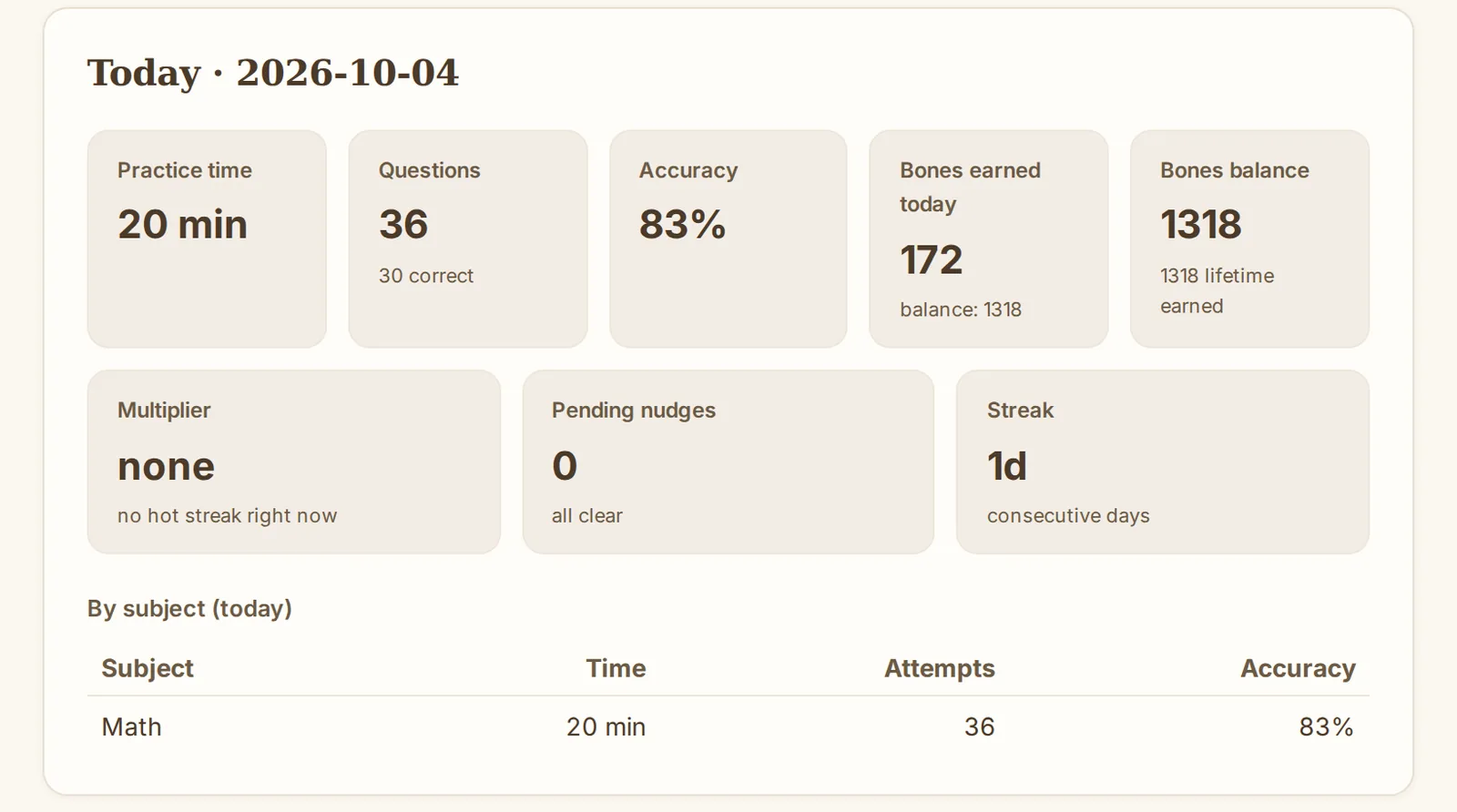
Reports show practice time, questions answered, accuracy and what they mastered, by day, week or month. Settings for reading aloud, focus and screen calm are a tap away.
Wonder starts from the assumption that kids learn differently, not that one way is the default.
Wonder was designed with neurodivergent kids as the primary case, not as an accommodation added afterward. Kids with ADHD tend to do better with short, high-feedback loops. Wonder's sessions are built that way. Kids with dyslexia need content that does not punish them for reading speed. Wonder's adaptive engine does not hold a kid back just because reading takes longer.
Anxiety around school is real. A kid who has been told they are behind does not need more pressure. Wonder does not show kids where they rank. It shows them where they are going.
A kid who is doing well in school still benefits from practice that adapts to where they actually are, rather than where the class is. Wonder finds the right level and moves with them. Earning Bones and spinning the wheel works the same whether a kid is ahead of grade level or catching up.
Wonder does not label kids. Parents see progress. Kids see movement. That is the whole system.
Wonder tracks what kids cover in school and adjusts automatically as they move up.
Math
Number sense, operations, fractions, decimals, geometry, pre-algebra. Sequenced to match what kids see in class year by year.
Reading
Comprehension, vocabulary, inference, main idea. Texts adjust to the kid's level so reading stays challenging but possible.
Science
Life science, earth science, physical science. Concepts tied to standard grade-level curriculum across the 3-8 band.
Social Studies
Geography, history, civics, economics. Covered at the grade level where kids typically encounter them in school.
Klaus is Wonder's German Shepherd guide. He teaches the lessons, cheers kids on when they get something right, and keeps things moving when they are stuck. He is calm and clear, not over-excited. Kids learn with him, not because of him.
Klaus shows up throughout the app: in the speech bubble on the home screen, walking kids through practice questions, and sitting alongside them during coaching sessions. He is familiar enough to feel like a buddy, smart enough to actually help.
We are building this for kids, which means getting the safety and integrity story right is not optional.
Wonder does not have a public feed, a chat room, or any way for strangers to reach your kid. It is a closed learning environment. What happens inside it stays between your family and the app. There is no social graph, no friend list, no messaging.
The ideas, the reasoning, the critical thinking, and the words are always the kid's own. When Klaus coaches an assignment he asks questions, draws out what the kid already knows, and offers guidance and scaffolding while the kid does the writing. A true coach, and the work stays theirs.
From the parent dashboard, you set the subjects, the reward targets, and the prizes. You can see what your kid has been working on and adjust anything at any time. Wonder does the teaching. You set the terms.
Wonder is currently available to families by invitation. We are growing carefully while we finish the safety and privacy work that kids deserve. If you got here on your own and want in, reach out via the contact page.
Too many kids decide early that school is not for them. Usually that is not about ability. It is about fit. The way material is presented, the pace, the rewards, the relationship with learning itself. Wonder is our attempt to fix the fit. To make real practice feel possible and even good, for every kind of kid.
“because there is wonder in everyone.”
Set up your family in a few minutes. Your kids practice, study and get coached; you set the rewards and see the progress.
Get startedWonder is invite only for now. If you got here on your own and want in, say hello.